A real Linux desktop — not a dumbed-down tablet. Kids learn actual computer skills, earn screen time through learning challenges, create games with AI, and stay connected with family. All under your control.
Kids swipe and tap all day but can't use a keyboard, manage files, or navigate a real desktop. There's a better way.
Walled-garden apps and touch screens don't prepare kids for the real computers they'll use in school and work.
An unrestricted computer means YouTube rabbit holes, inappropriate content, and hours lost to mindless browsing.
A real desktop with real apps — keyboard, mouse, windows, files — but with guardrails that keep kids safe and learning.
Not a toy. A complete Linux desktop with parental controls, learning challenges, and creative tools — everything kids need to build real computer literacy.
Math problems, typing practice, story writing. Complete challenges to earn bonus screen time minutes.
A cork-board style shared space. Post notes, announcements, and encouragement. Emoji reactions from the whole family.
Kids can safely message parents and siblings. Stay connected without needing a phone or social media.
Kids describe a game idea, and AI builds it. A creative outlet that turns imagination into playable 3D games.
Per-app daily and weekly limits. Bonus time earned through challenges. Usage auto-tracked and enforced.
Each child gets their own isolated space with separate apps, challenges, and time limits. One PC, many kids.
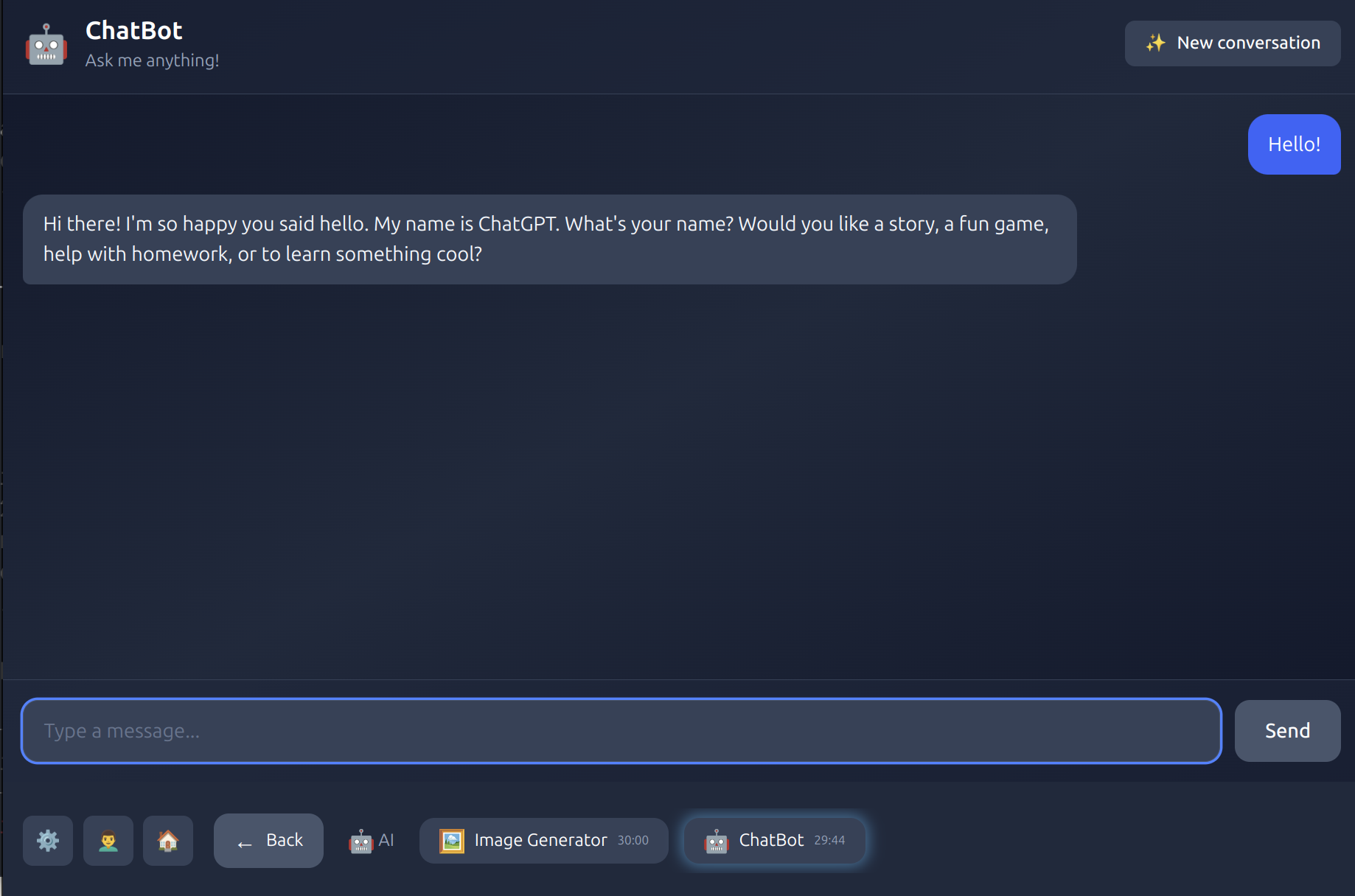
A friendly AI assistant that helps with homework, tells stories, and answers curious questions.
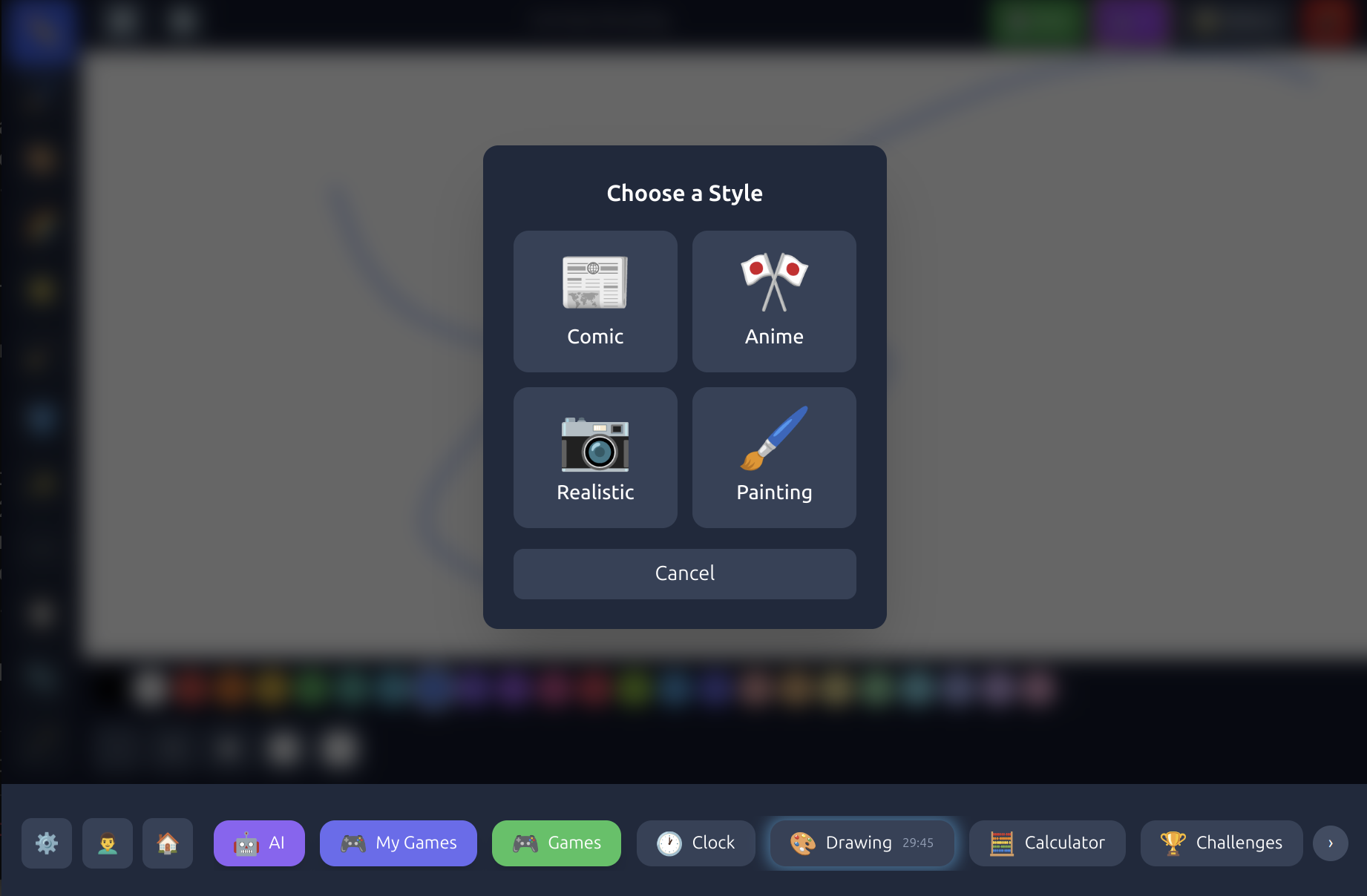
A full KidPix-style canvas with AI-powered style transfer — turn drawings into comics, anime, or paintings.
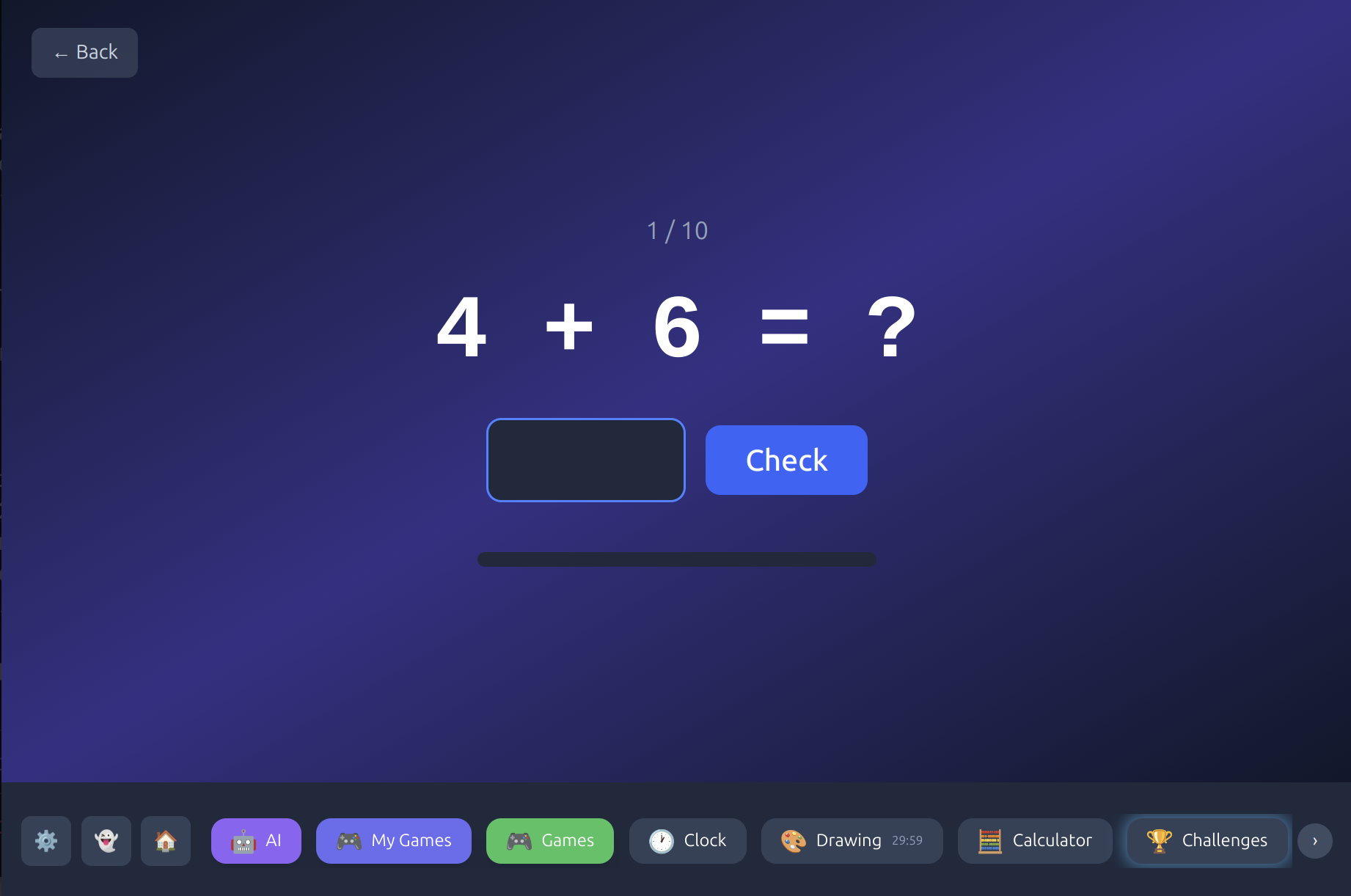
Instead of just limiting minutes, kbnmouse turns screen time into a reward for learning. Kids are motivated because they choose when and what to learn.
Math problems, typing speed tests, creative story prompts — kids choose what interests them.
Challenges are age-appropriate and designed to be achievable. No frustration, just learning.
Each completed challenge adds bonus minutes to their screen time. More learning = more play.
kbnmouse isn't just about restrictions — it's about connection. A shared space where families communicate, celebrate, and stay close.
Post-it style notes visible to the whole family. React with emojis.
Kids message parents and siblings without needing phones or social media.
Pin important messages so every child sees them when they log in.
Celebrate achievements and milestones as a family.
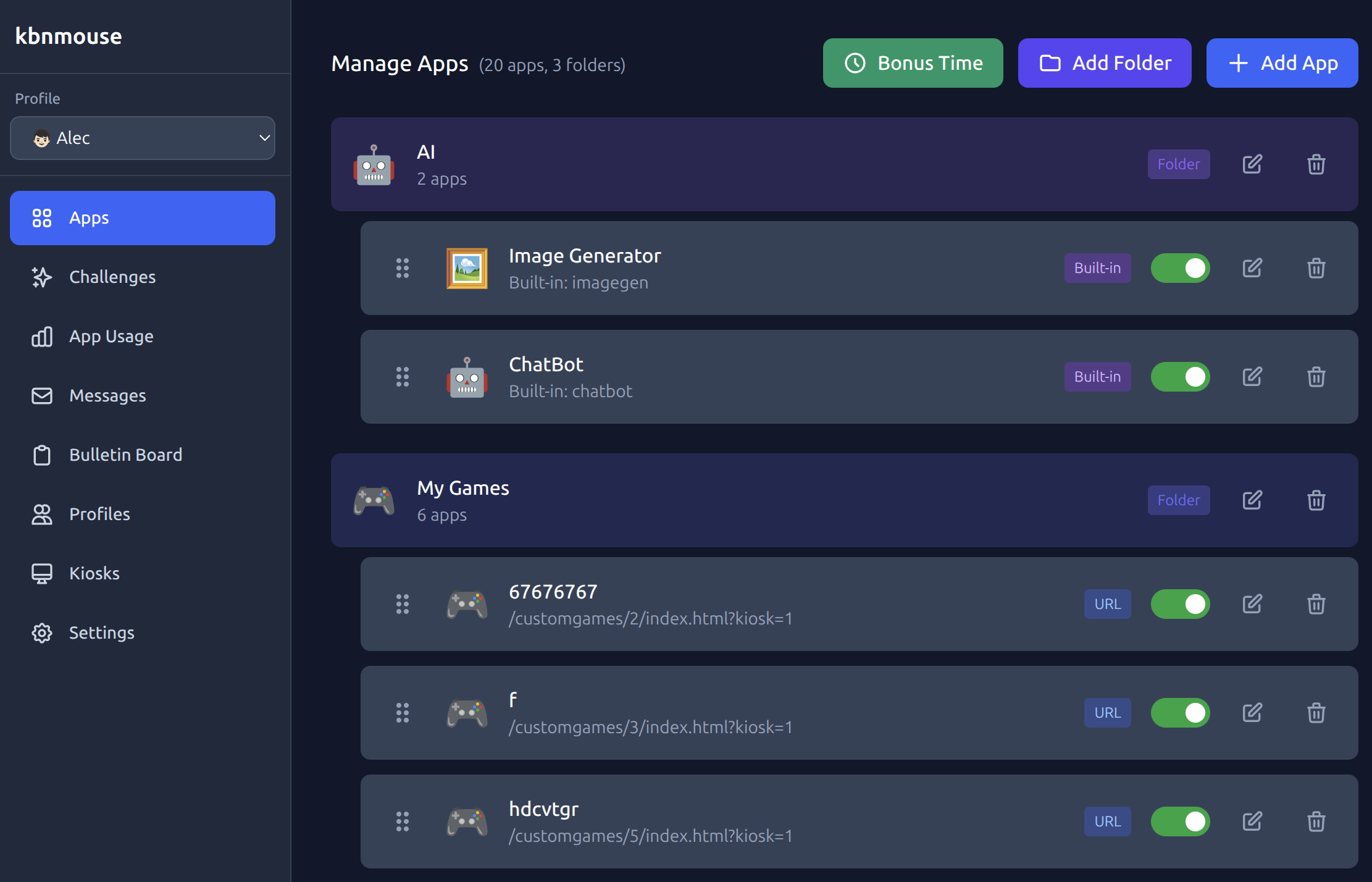
A web-based dashboard accessible from any device on your network. See usage, manage apps, set limits — all in one place.
kbnmouse runs on any Linux PC. Turn an old laptop or desktop into a real computer your kids can learn on — with keyboard, mouse, and all.
Clone the repo and run the setup script. Works on Ubuntu, Debian, and most Linux distros.
Add a profile for each child with their own apps, challenges, and time limits.
Children pick their profile, complete challenges, and earn screen time. You monitor from the dashboard.
kbnmouse is free and open source with no subscriptions, no tracking, and no ads. Use our hosted dashboard or self-host everything on your own network — the choice is yours.